|
Description:
|
|
Earlier this month we announced that we were giving some customers early access to Full Site Editing, a new set of powerful tools to give you more control over every aspect of your site’s design. Now, we’re excited to let you know Full Site Editing will be rolling out to all customers, starting today and continuing over the next few weeks.
Why we’re excited (and you should be too!)
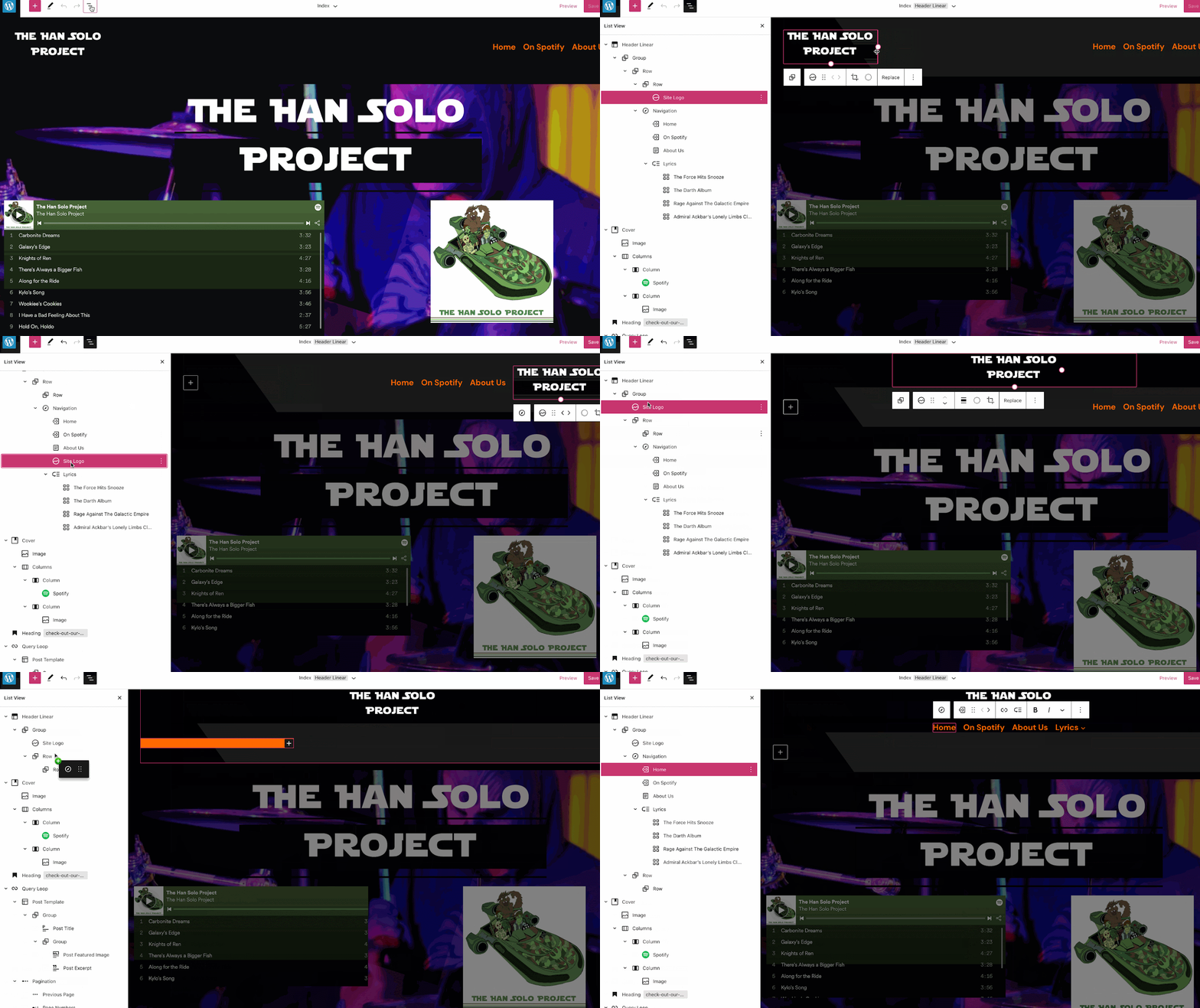
With Full Site Editing, controlling the appearance of your website is easier than ever:
- You can now use the same tools you use to create your content to edit every part of your site. This new release lets you edit your header and footer with blocks and simply by dragging and dropping the different pieces where you want them. No coding required.
- This release also comes with the ability to edit specific page templates from your home page to a single post, to your 404 page, and even your archive pages. What’s even cooler is that you can drill down into specific template parts to edit them with more focus.
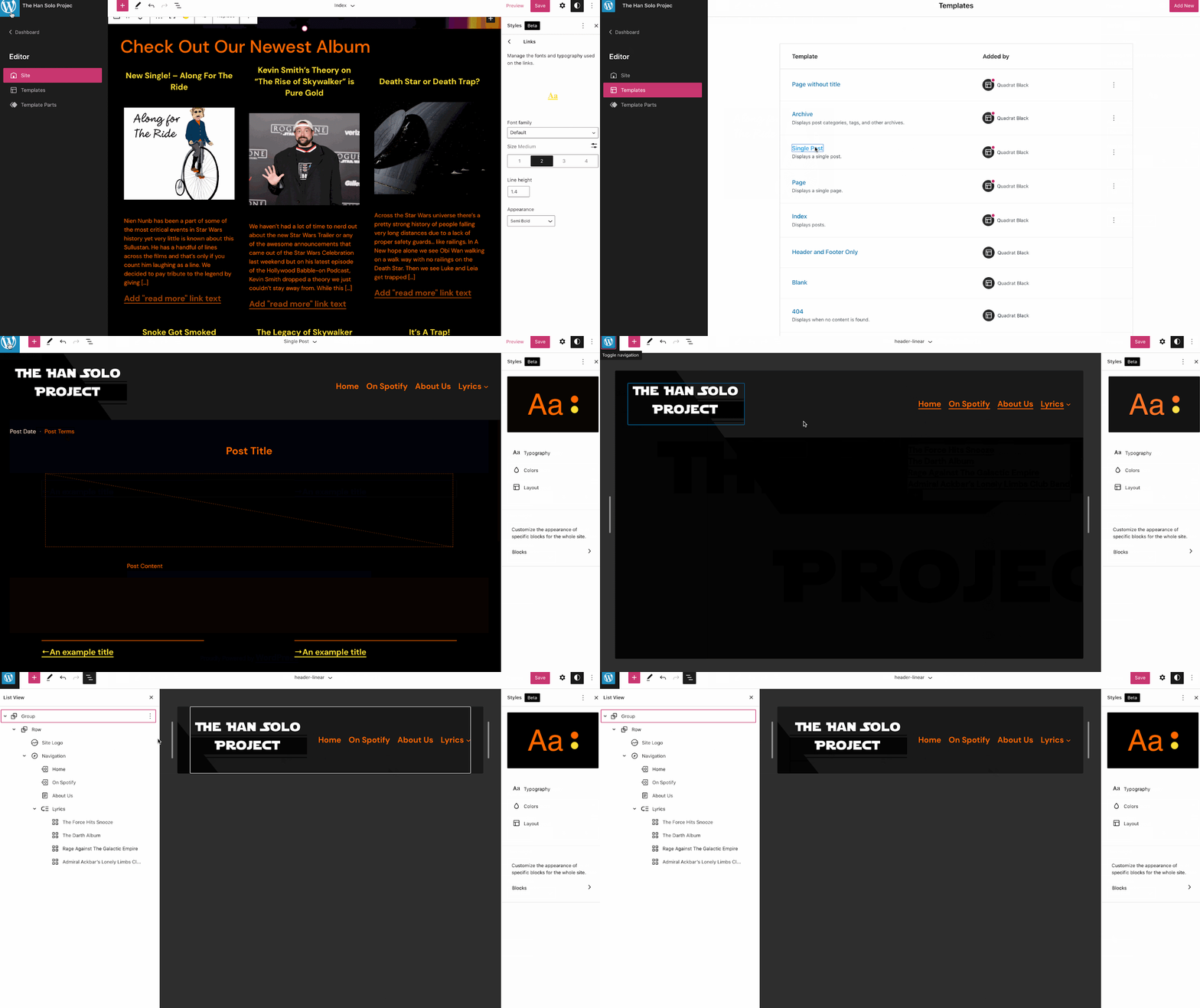
Here’s another look at Full Site Editing in action:
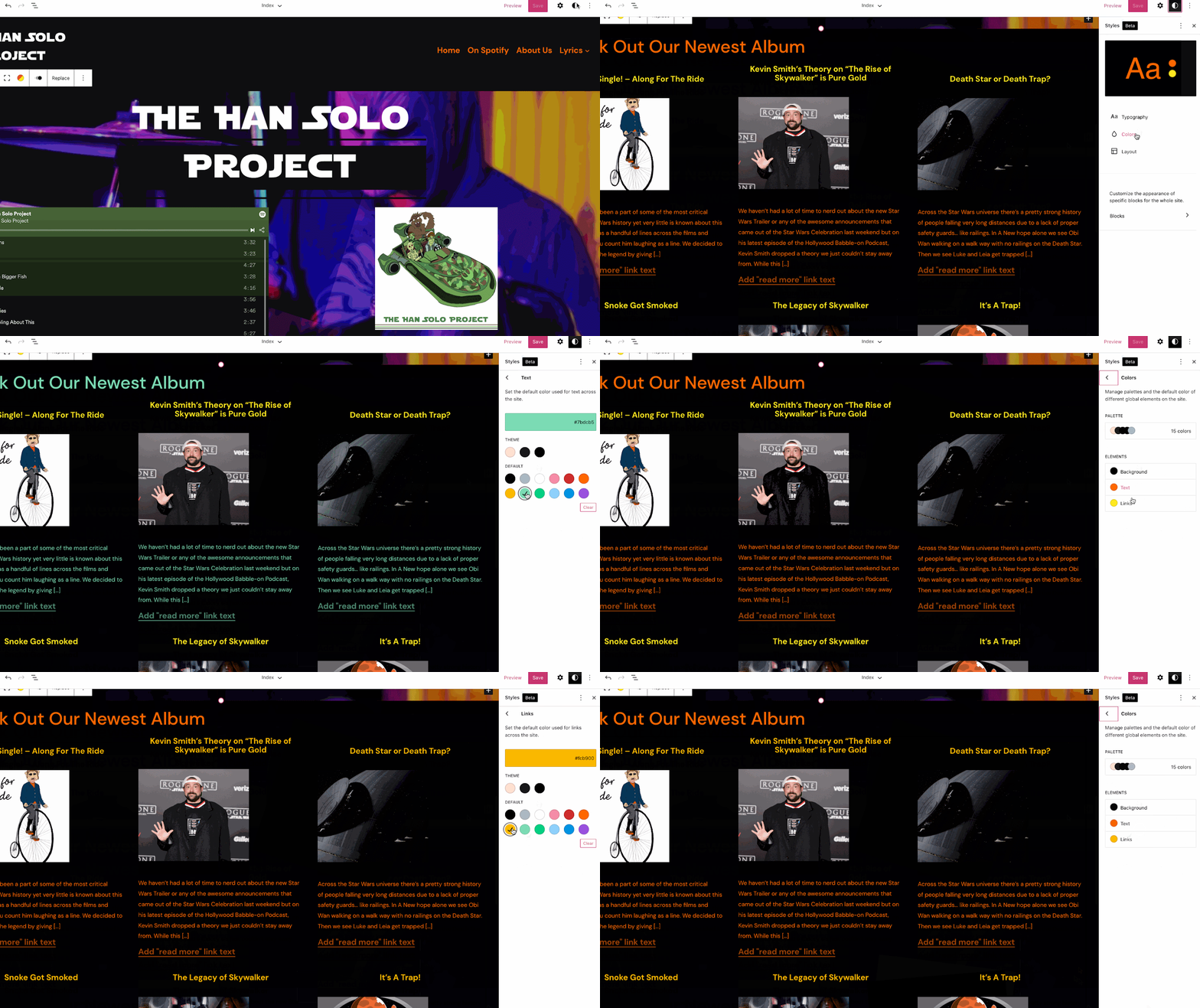
- It’s easier than ever to change the entire look and feel of your site with subtle changes in the Styles Editor. Set global colors and fine-tune your typography to give your entire site a consistent look and feel.
What you need to know:
- There is no action needed from you. Your current site(s) will not be changed and you can continue managing your site and creating your content in exactly the same way.
- We’ve been rolling this feature out to some new sites and will be switching over to all new sites in the coming days. When you start a new site, you will have a chance to choose a theme that leverages the new Full Site Editing experience. We’re actively working to put together resources to help make learning those new features easier, and maybe even fun.
- Over the next few weeks we will be rolling out the ability to switch your existing site over to a theme that will give you access to these features. It will not be something that we do for you so watch out for that announcement and the details on how to access these new tools.
Again, we want to make sure you know that there’s no action needed from you. That’s one of the major benefits of WordPress.com managed hosting after all  Your browser does not support the audio element.
|



.png)
 More
More
 Religion & Spirituality
 Education
 Arts and Design
 Health
 Fashion & Beauty
 Government & Organizations
 Kids & family
 Music
Music News & Politics
 Science & Medicine
 Society & Culture
 Sports & Recreation
 TV & Film
 Technology
 Philosophy
 Storytelling
 Horror and Paranomal
 True Crime
 Leisure
 Travel
 Fiction
 Crypto
 Marketing
 History
 Comedy
 Arts
Arts Games & Hobbies
 Business
 Motivation